
A new way into the classics
A world beside
every page.
Open a book. Hear its characters. Step into its world. Let a great story keep you company.
View on the App StoreFor iPhone Duo, iPhone & iPad
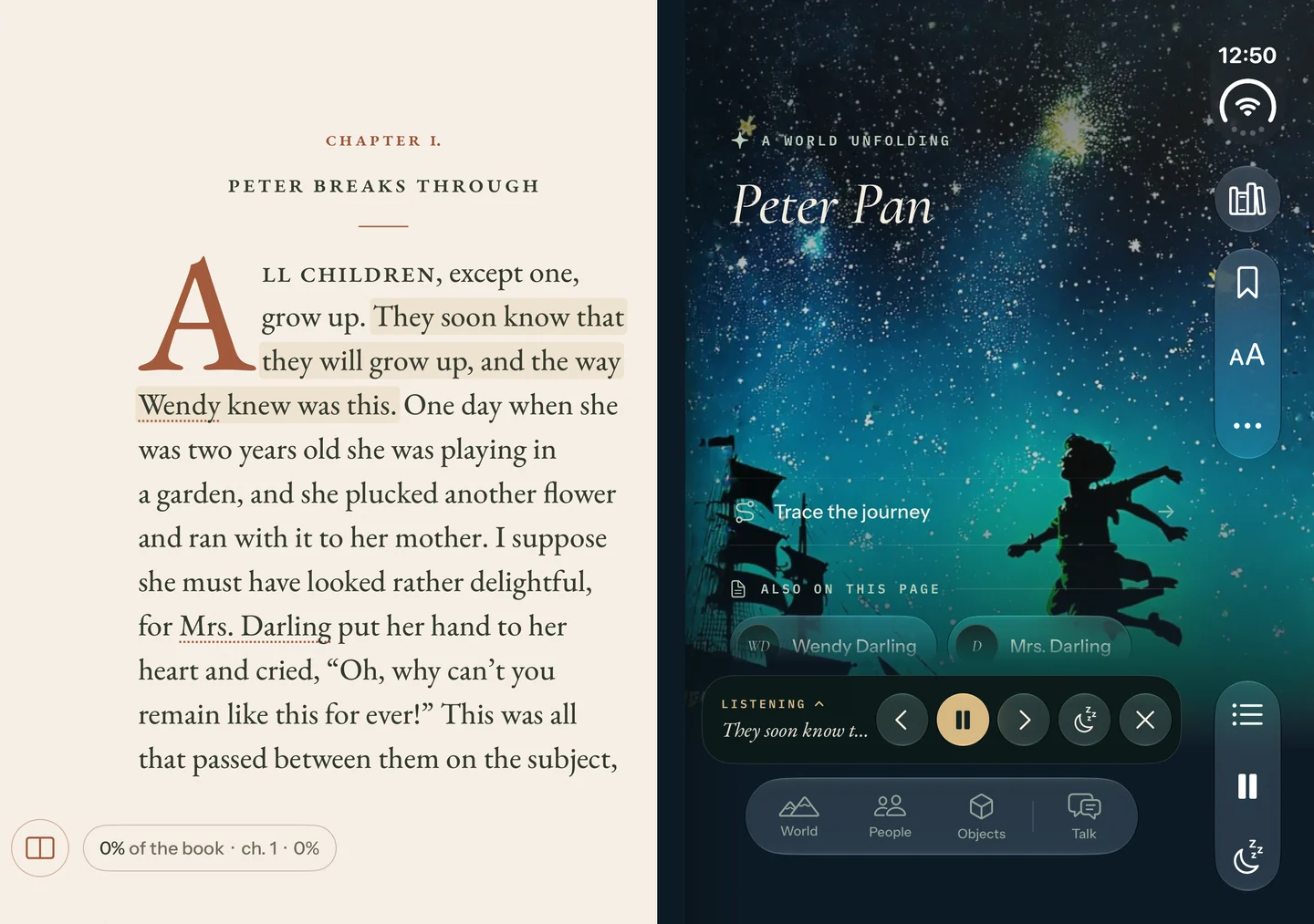
Make yourself at home in a story
Read it. Hear it. Feel it.
From the first line to the moment you return, there’s more to discover.
A cast of characters
Give the story
a voice.
Listen to distinct character voices as the passage lights up on the page. Set your own pace, or settle in for a quiet read.
Explore the people, places, illustrations, and 3D objects you meet along the way.
Character narration uses AI-generated voices.
Atmospheric Mode
Feel the
story’s mood.
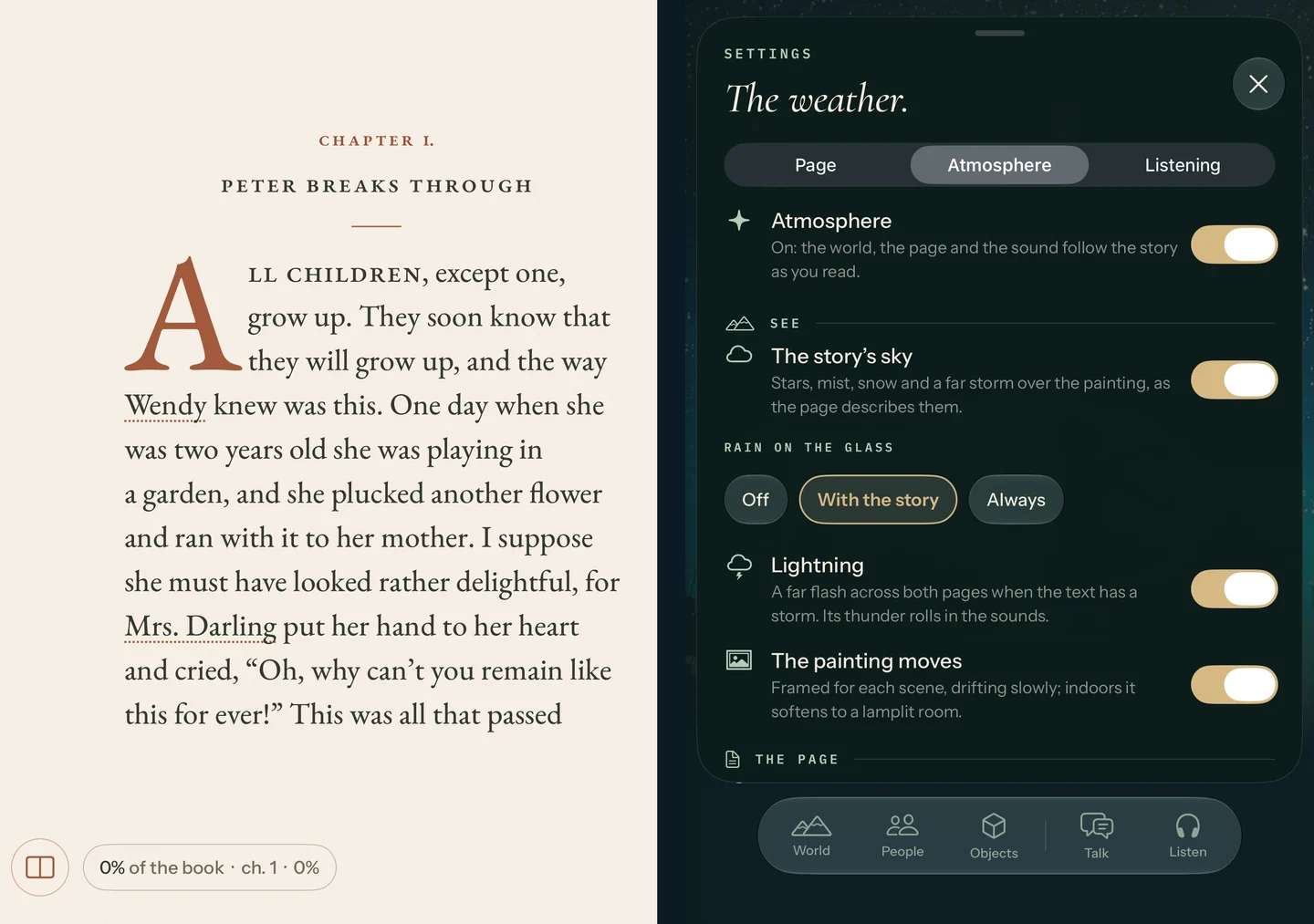
Enable Atmospheric Mode and let the page, painting, and sound follow the story. Lamplight, rain, or a distant storm bring the setting closer.
Choose the atmosphere features that suit the way you like to read.
Welcome back
Find your way
back in.
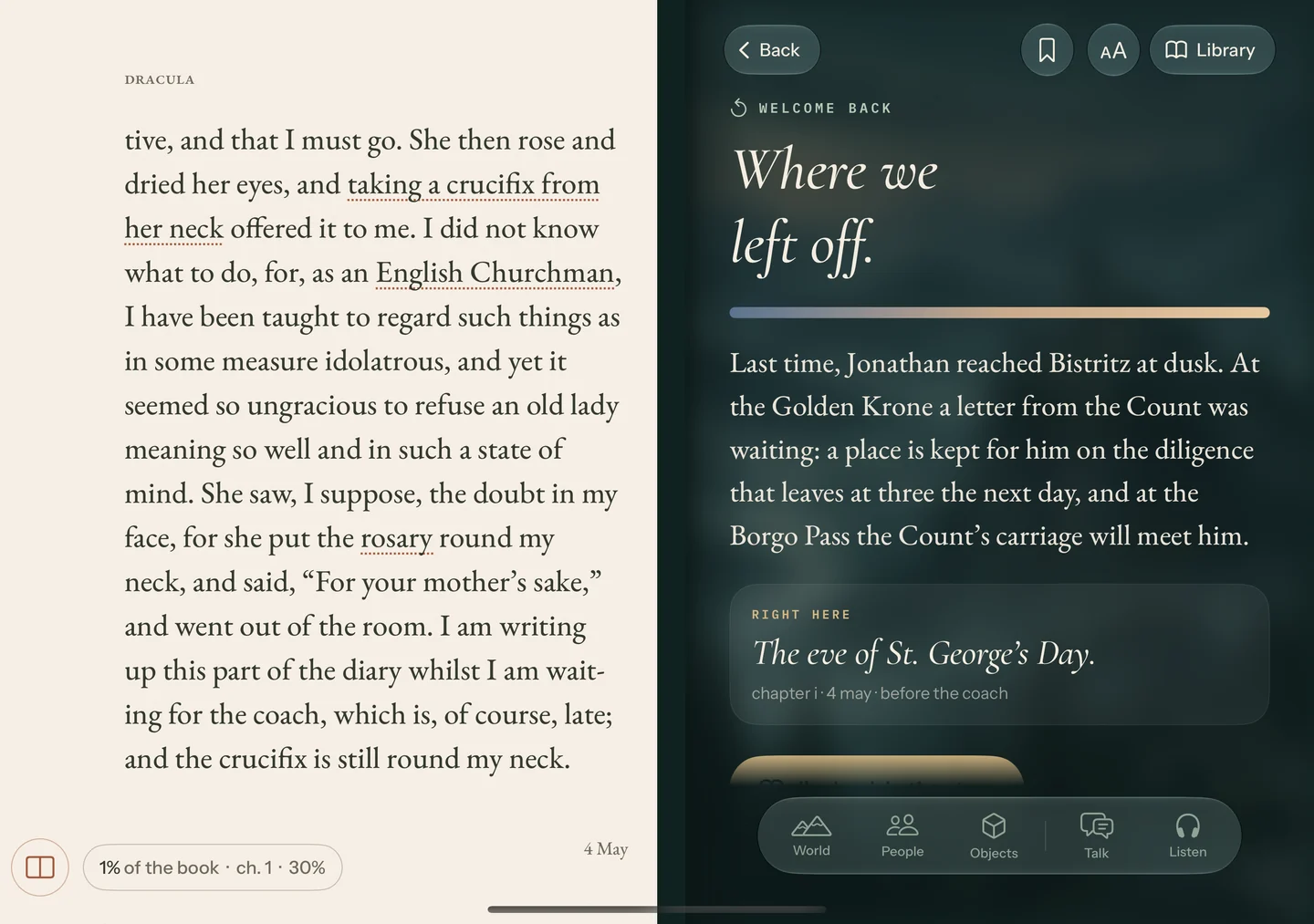
An automatic recap welcomes you back after a reading break. Remember where you left off and catch up with the story so far.
Then turn the page. Your next chapter is waiting.
The beginning of your collection
Launching with
26 world-class classics.
A flight over Neverland. A hunt for buried treasure. A tale of revenge and redemption. Where will you go first?
Find your next story
Peter Pan
J. M. Barrie

Treasure Island
Robert Louis Stevenson

The Count of Monte Cristo
Alexandre Dumas
One more chapter, then goodnight
Let a story
read you to sleep.
Turn your device into a nightstand. Choose candlelight, set a sleep timer, and let the voice ease into the night.
Meet Book Garden DuoA little help, when you need it
Here for your
next chapter.
Have a question or need a hand with the app?
contact@aaratus.comCan I read and listen offline?
Yes. Download a book and its narration while connected to the internet, then keep reading and listening offline.
Which devices can I use?
Book Garden Duo adapts to iPhone Duo, iPhone, and iPad. Check the App Store listing for device and system requirements.
How do I start listening?
Open a book, tap Aa, choose Listening, then Listen from this page. On iPad and the open Duo, you can also use the headphones button. Narration downloads before its first playback.